How to Choose the Right Device Setup for an Online Business

You don’t need a new laptop to start an online business, but you do need a setup that doesn’t fight you every step of the way. If your computer freezes when you have three tabs open, or your phone is your only device, that’s a real obstacle, not a minor inconvenience. Let’s talk about what actually matters and what you can skip.
Key Takeaways
- You can start with a basic laptop or desktop that’s a few years old, as long as it runs a current browser without crashing and has at least 8GB of RAM.
- A second monitor, even a used one, saves you more time than almost any paid software tool you could buy in your first six months.
- Your phone is fine for checking numbers and replying to comments, but it is a poor primary tool for writing content, editing images, or managing an email list.
- Spend your first equipment dollars on a stable internet connection and a decent headset before you spend anything on cameras or lighting.
The setup question nobody asks you until you’re stuck
Here’s a scenario. You sign up for an affiliate program on a Tuesday night, excited to finally get started. By Thursday you’re trying to write your first blog post on a ten-year-old laptop that takes ninety seconds just to open a browser tab. You give up for the week. That’s not a motivation problem. That’s an equipment problem, and it’s one of the quietest reasons people quit before they ever get going.
People in this stage of life often already own a computer, which is good. But “I have a computer” and “I have a computer that can handle this” are two different things. If you’re writing content, researching products, managing email, and watching training videos, you’re running more at once than most machines built before 2018 were designed for.
What you actually need, and what you don’t
You do not need a gaming laptop. You do not need the newest model on the shelf. What you need is enough memory that your browser doesn’t choke when you have a few tabs open, a webcam if you ever plan to do video (most laptops already have one built in), and a keyboard you can type on for twenty minutes without your hands cramping. If you’re buying new or refurbished, aim for at least 8GB of RAM and a solid state drive instead of an older spinning hard drive. That one change, solid state over spinning disk, makes an old machine feel almost new again.
A second monitor is the upgrade people skip and then wish they’d bought first. When you’re writing an email in one window while checking your affiliate dashboard in another, switching back and forth on one small screen wastes real time, every single day. A basic 24 inch monitor, even a used one from a local listing, often costs less than a single month of some software subscriptions. If you’re weighing that purchase against a tool like OLSP, which bundles training and some of the done-for-you assets beginners lean on early, think about sequencing. Get your hardware comfortable first. A smooth training program on a frustrating computer is still a frustrating experience.
The phone trap
Your phone is wonderful for checking stats while you’re waiting at the pharmacy. It is not wonderful for writing your first five blog posts, managing a spreadsheet of affiliate links, or editing images for a review post. People try to run their entire business from a phone because it’s what’s in their hand, and then they wonder why everything takes three times as long as it should. If you’re serious about this, plan for a real keyboard and a screen bigger than six inches, even if it’s borrowed or secondhand.
That said, don’t let perfectionism around gear become its own form of procrastination. You’ve probably met someone who spent a month researching the “perfect” laptop and never got around to writing a single post. If your current setup lets you type, browse, and load videos without crashing, it’s good enough to start. You can upgrade later with your first bit of income instead of before you’ve earned a dollar.
Internet and a quiet place to work
Before cameras, before ring lights, before a second monitor, check your internet connection. If videos buffer constantly or your connection drops when someone else in the house is streaming, that’s worth fixing first. It affects everything from uploading images to joining live training calls. A basic internet upgrade is often the cheapest, most overlooked fix in this whole list.
You’ll also want a spot where you can sit for thirty to sixty minutes without being interrupted. That doesn’t mean a home office with a door that locks, though that’s nice if you have it. It might just mean the kitchen table at 7am before anyone else is up, or a corner of the living room with headphones on. The goal is consistency, not luxury.
Software before hardware, in one case
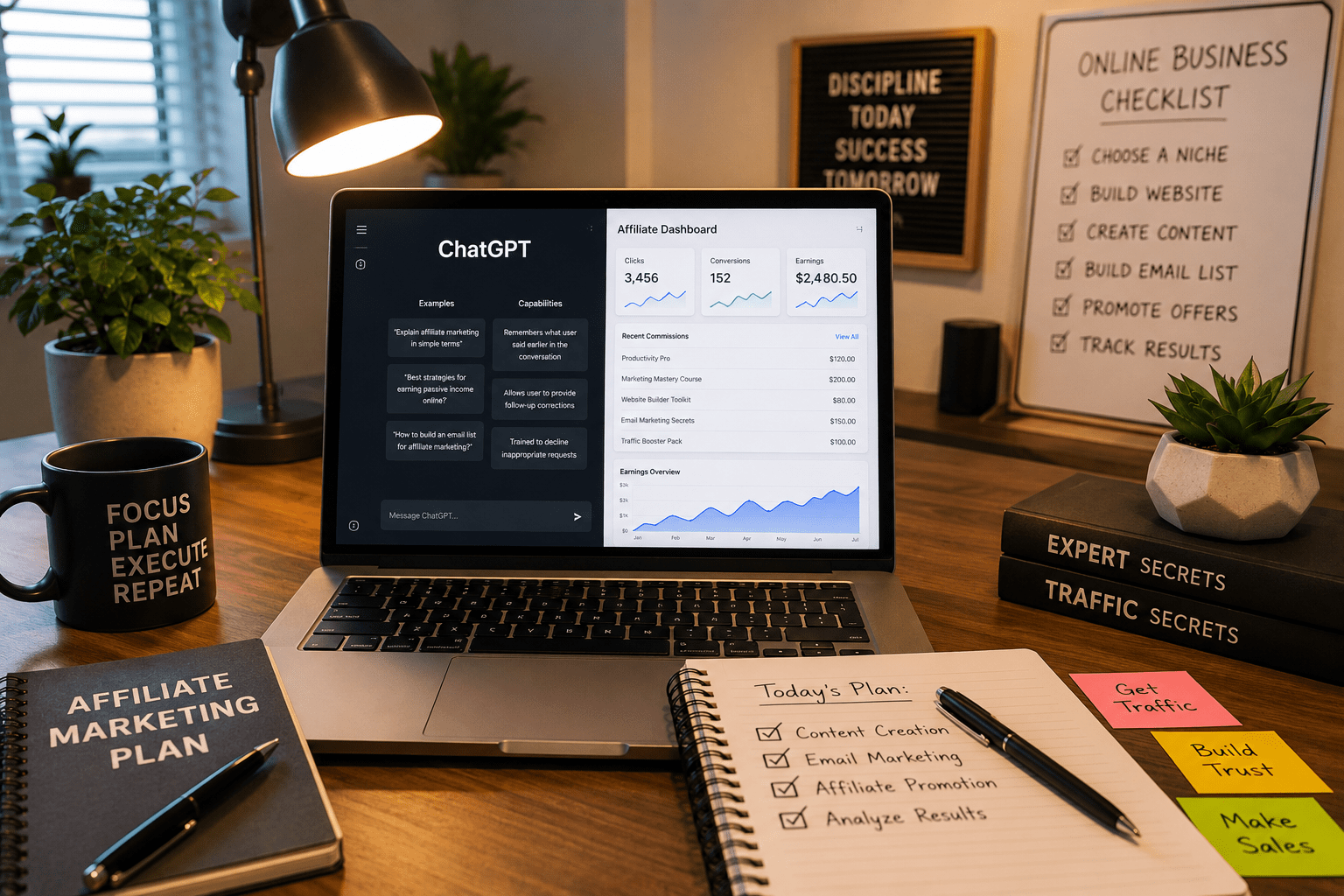
There’s one exception to “fix your hardware first.” If you’re trying to create a lot of written content and you’re a slow typist, or English isn’t your first language, a writing assistant can save you more hours than a faster laptop would. We’ve covered this in detail in our guide on how to use ChatGPT for affiliate marketing, and it’s worth reading before you spend money on anything else content-related. Pair that with reliable content tools, and you can produce work on a modest laptop that would otherwise require a much more expensive machine.
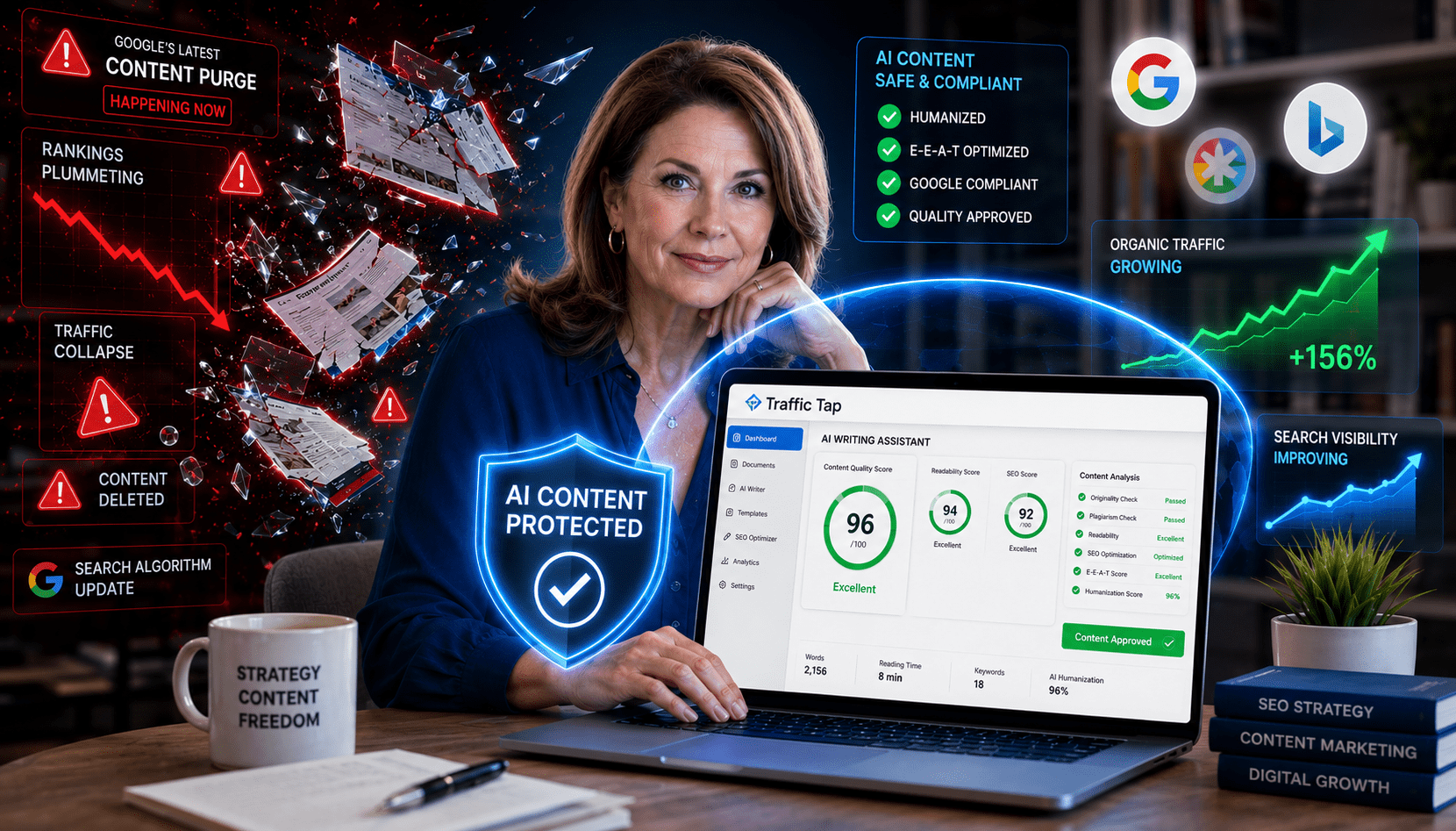
If you’re also worried about whether the content you’re creating will hold up as search engines change their rules, that’s a separate but related concern. Our look at how one AI writing tool handles Google’s recent content crackdown is useful context once your hardware is sorted and you’re ready to focus on what you’re actually publishing.
Tools that live on your device versus tools that live online
One more thing worth untangling: a lot of what you need doesn’t actually live on your computer, it lives in a browser tab. Your email service, your affiliate dashboards, your training platform, these run in the cloud, which means your computer just needs to be strong enough to open a browser and keep a few tabs running smoothly. That’s good news, because it means you don’t need a top of the line machine. It also means that if you’re deciding between a platform like Easy Commission Funnel and building everything yourself from scratch, the hosted option will almost always be gentler on an older computer, since the heavy lifting happens on their servers, not yours.
If you want to see how your equipment and time investment might translate into actual numbers down the road, our affiliate earnings calculator is a useful gut check once you’ve got your basic setup running.
Frequently Asked Questions
Do I need a new computer to start affiliate marketing?
No. Most beginners can start with a computer that’s a few years old, as long as it has at least 8GB of RAM and doesn’t freeze when you open several browser tabs. Upgrade later once you’ve got some income coming in, not before you’ve started.
Can I run an online business from just my phone?
You can check stats and reply to messages on a phone, but writing content, managing email lists, and editing images is much slower and more frustrating without a real keyboard and a bigger screen. Think of your phone as a backup tool, not your main workstation.
Is a second monitor really worth buying?
For most people doing this kind of work, yes. Constantly switching between windows on one small screen adds up to real wasted time every day, and a basic used monitor is inexpensive compared to most other business expenses.
What should I upgrade first, my computer or my internet?
Check your internet connection before you spend money on a new computer. A slow or unreliable connection will cause problems no matter how fast your machine is, and it’s often the cheaper fix of the two.
One next step
Once your setup feels steady enough to actually sit down and work, the next useful move is figuring out which platform fits a beginner’s budget and skill level. Our guide to the best affiliate marketing platforms for beginners walks through the options without the jargon.